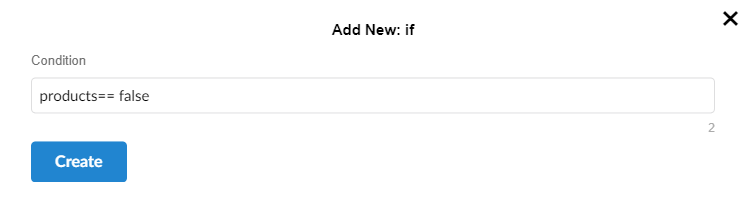
If
The if condition checks whether a specific condition is true. If this condition is true, the code inside the if block is executed. If the condition is false, the if block is skipped, and the next code blocks are evaluated.
Parameters
- Conditions - To control the flow using commands like if
RpScript
How to use
Pupet.OpenBrowser({ headless: false, browser: "Chrome" });
var pageResponse = Pupet.Visit("https://erametricras.com/");
var waitOptionForVisible = Pupet.WaitOptionForVisible(true, 10000);
var products= Pupet.ElementIsExists(pageresponse.page, "li#menu-item-1502 > a:nth-child(1) > div.tdb-menu-item-text", null, waitOptionForVisible);
if (products== false) {
    Assert.Throw("The Products button is not available.");
}
Pupet.CloseBrowser();
Extension