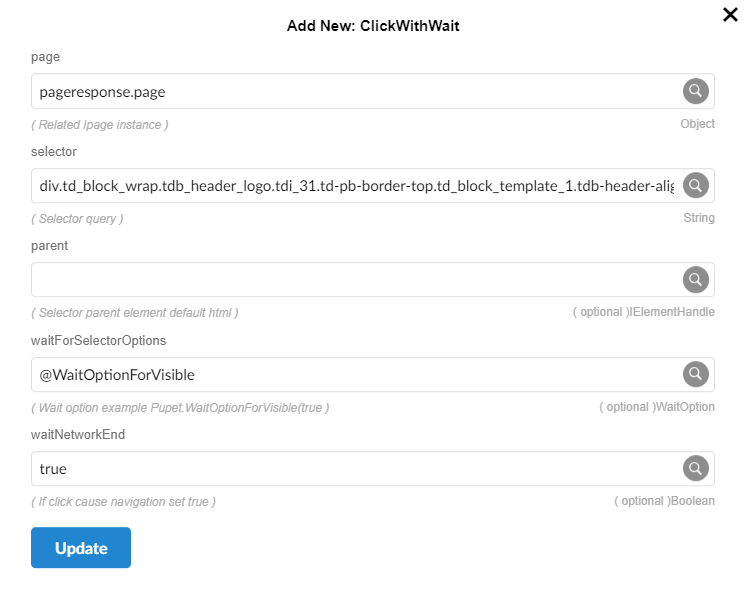
ClickWithWait
This method simulates clicking on a button or other element on the page. Differences between Clik and clickwithwait is users can specify wait option in this method.
Parameters
page -
Object: The page object returned by Pupet.Visit.selector -
String: It is a string that is used to identify a specific element or elements on a web page.Parent- IElementHandle
WaitOptionForVisible-
WaitOption= Options for wait operations
RpScript
How to use
Pupet.OpenBrowser({ headless: false, browser: "Chrome" });
var pageresponse = Pupet.Visit("https://erametricras.com/");
var WaitOptionForVisible = Pupet.WaitOptionForVisible(true, 5000);
Pupet.ClickWithWait(pageresponse.page, "div.td_block_wrap.tdb_header_logo.tdi_31.td-pb-border-top.td_block_template_1.tdb-header-align > div.tdb-block-inner.td-fix-index > a.tdb-logo-a > h1:nth-child(1) > span.tdb-logo-text-wrap > span.tdb-logo-text-title", null, WaitOptionForVisible, true);
Pupet.CloseBrowser();
Extension