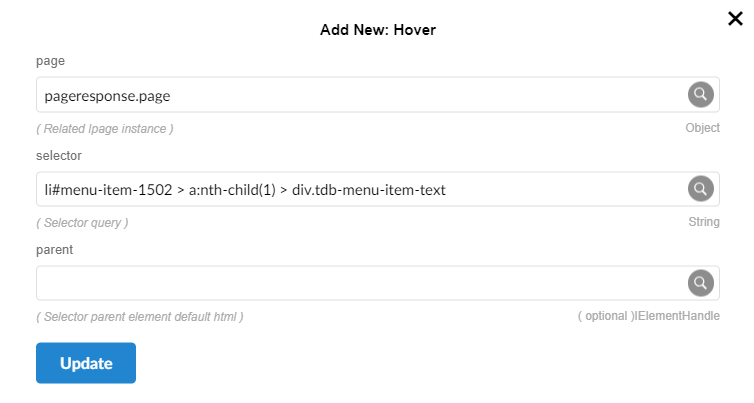
Hover
This method is used to perform a mouse hover action on an element within a web page. It takes a selector to identify the specific element, and moves the mouse over that element to trigger any associated hover effects or events.
Parameters
- page (visitResponse .page): The page object returned by Pupet.Visit.
- selector -
String: The CSS selector used to identify the element within the iframe. For example, #button-id could refer to a button element's ID. - Parent - IElementHandle
RpScript
How to use
Pupet.OpenBrowser({ headless: false, browser: "Chrome" });
var pageresponse = Pupet.Visit("https://erametricras.com/");
Pupet.Hover(pageresponse.page, "li#menu-item-1502 > a:nth-child(1) > div.tdb-menu-item-text", null);
Wait(3);
Pupet.CloseBrowser();
Extension