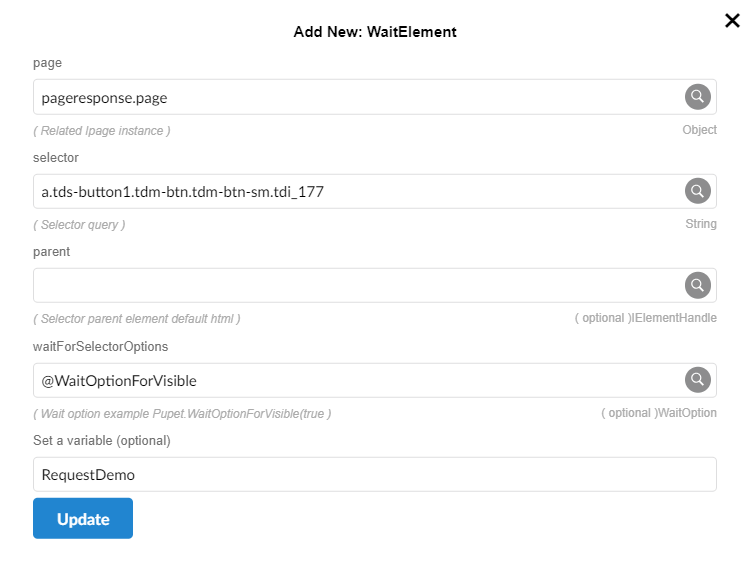
WaitElement
This method is designed to pause the execution of a script until a specific element appears on a web page and becomes interactable. It helps ensure that the targeted element is available and ready for further actions.
Parameters
- page (visitResponse .page): The page object returned by Pupet.Visit.
- selector -
String: The CSS selector used to identify the element within the iframe. For example, #button-id could refer to a button element's ID. - Parent - IElementHandle
- waitForSelectorOptions -
WaitOption= Options for wait operations - Set a variable: (Optional) = A variable where the found element can be stored. This allows the script to reuse or interact with the element later.
RpScript
How to use
Pupet.OpenBrowser({ headless: false, browser: "Chrome" });
var pageresponse = Pupet.Visit("https://erametricras.com/");
var WaitOptionForVisible = Pupet.WaitOptionForVisible(true, 5000);
var RequestDemo = Pupet.WaitElement(pageresponse.page, "a.tds-button1.tdm-btn.tdm-btn-sm.tdi_177", null, WaitOptionForVisible);
Pupet.CloseBrowser();
Extension